Appearance
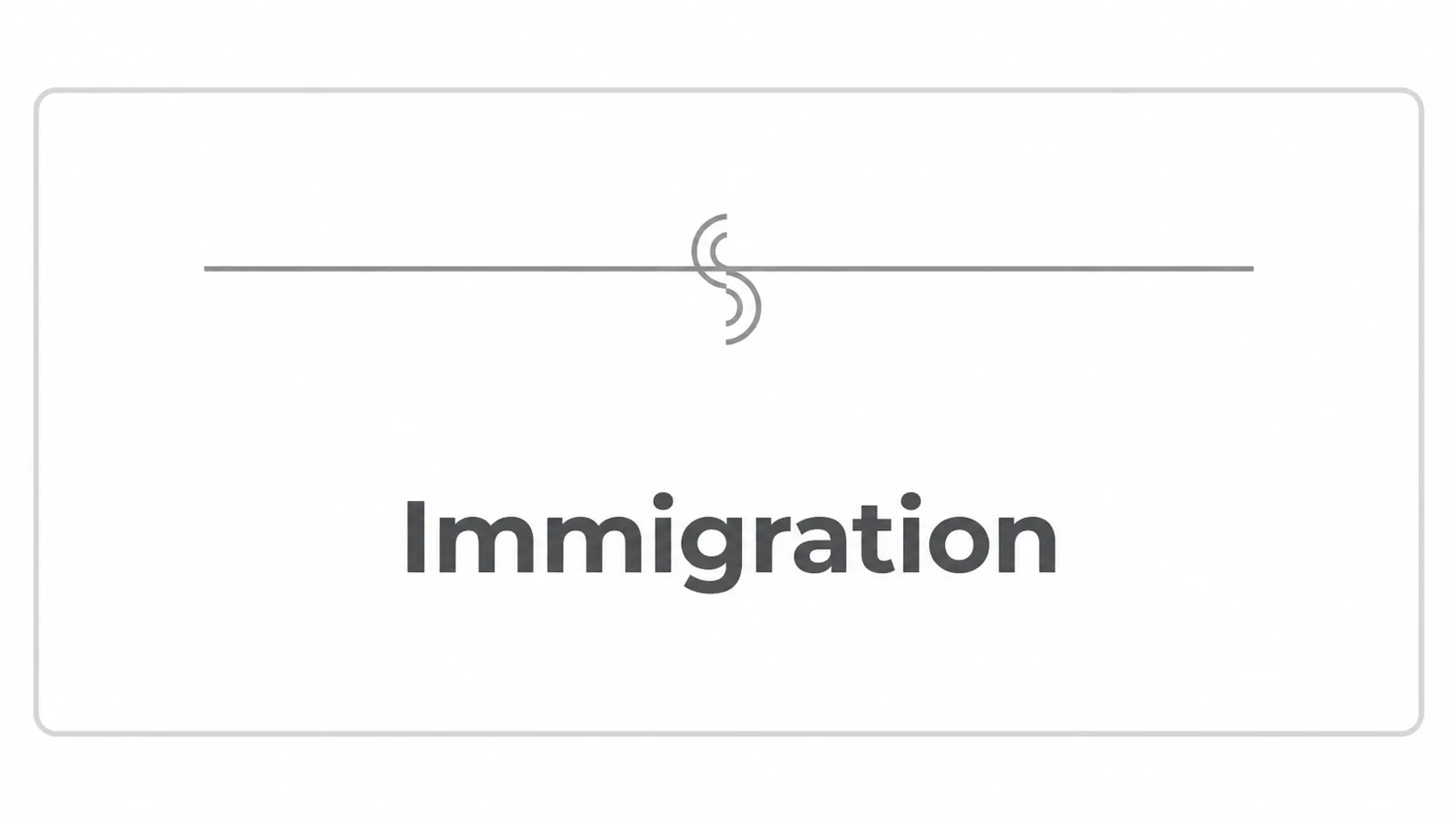
Immigration Genogram Symbol
The immigration symbol is a child connection line with a double curl at the midpoint, connecting a person to their parent line in EasyGenogram. Use it when immigration history is relevant to identity, family separation, migration stress, or cultural context. This guide explains the notation and how it differs from multicultural markers.
Immigration Symbol Example in a Genogram
Immigration Symbol Example in a Genogram
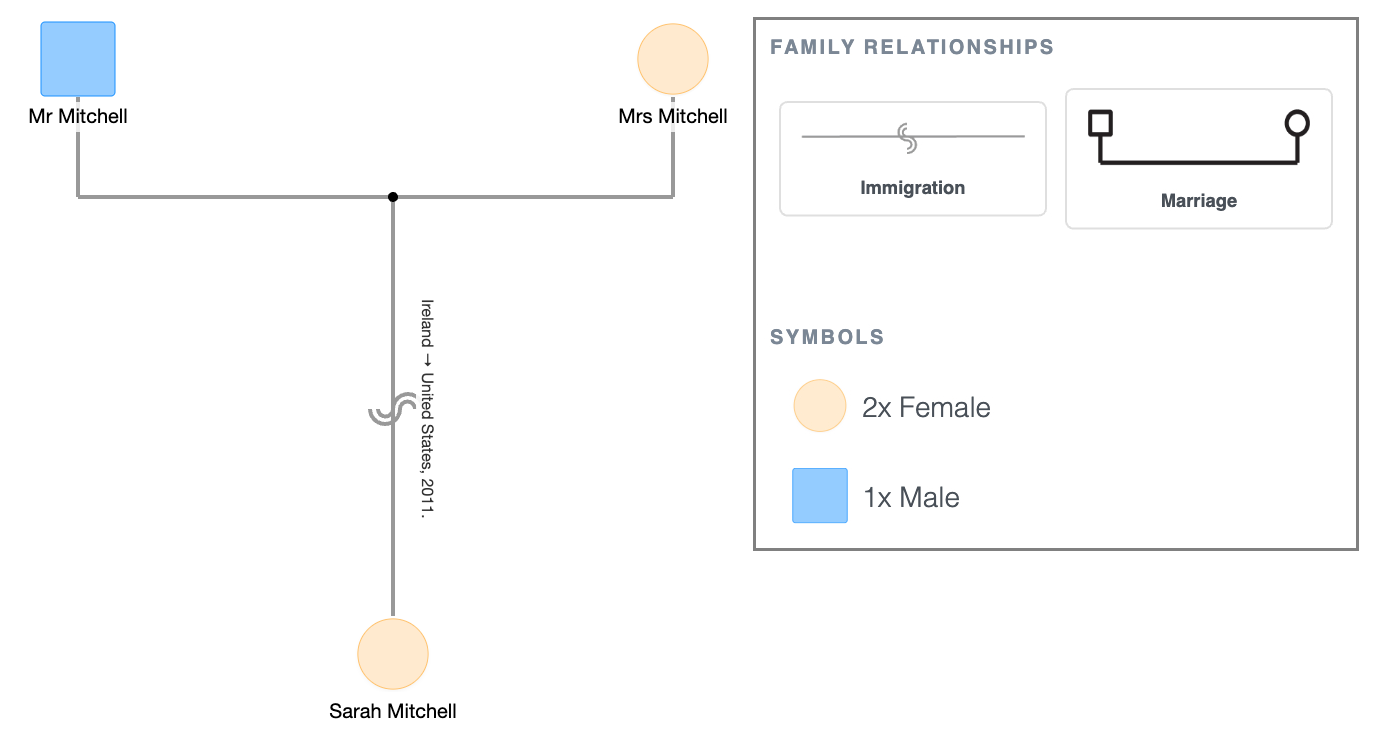
Sarah Mitchell moved from Ireland to the United States in 2011; the immigration line sits on the connection up to her parents, noted "Ireland → United States, 2011."
Immigration vs. Multicultural
These two sit right next to each other in the connection picker and are easy to mix up, so here's the distinction:
- Multicultural (single curl): the parents come from different cultural backgrounds. It's a fact about the household, not an event.
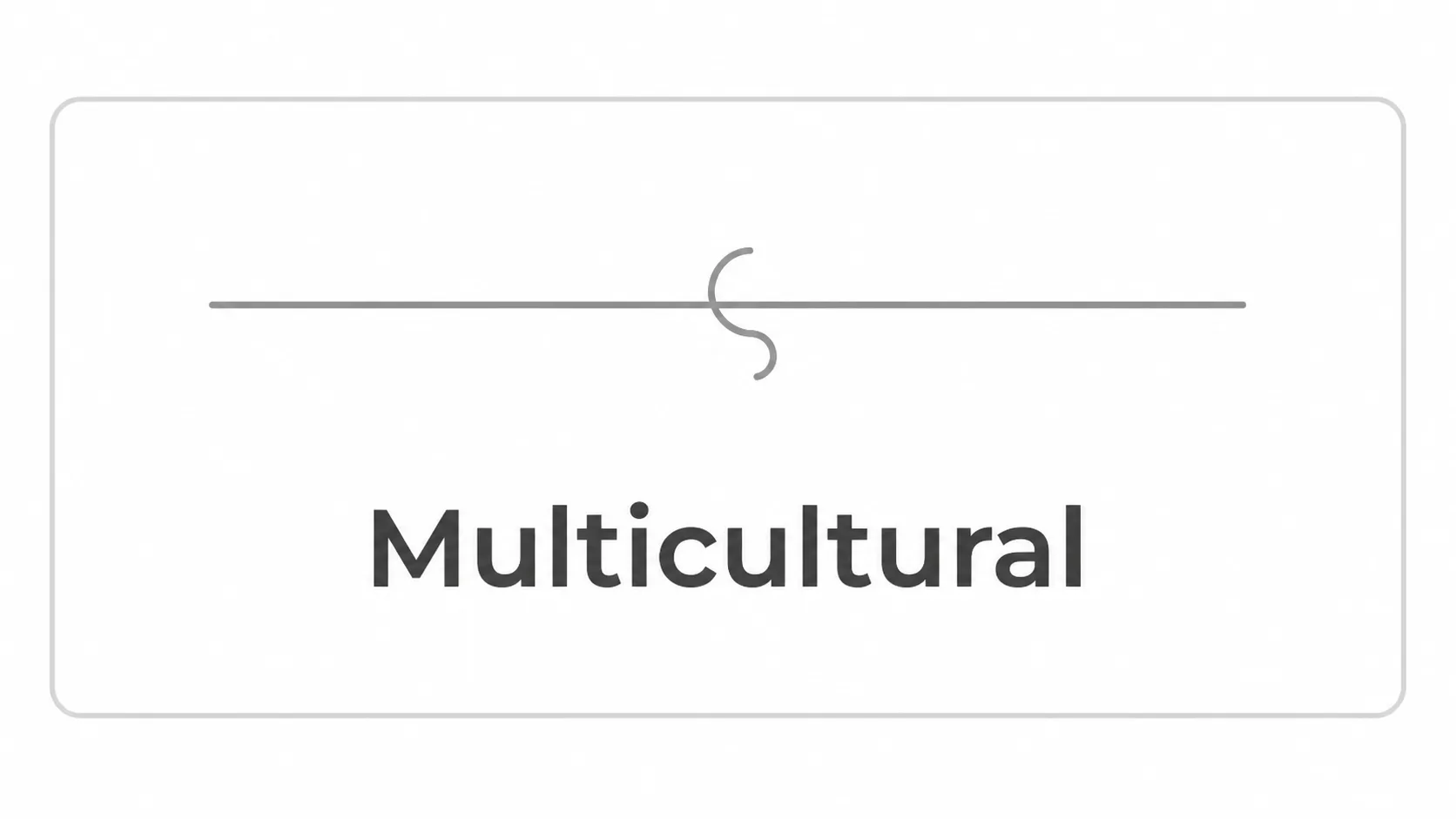
- Immigration (double curl): someone on that connection immigrated. It marks a specific migration, not just a mixed-heritage family.
A child raised by two parents from different countries, neither of whom relocated internationally, gets the multicultural connection.
A parent who moved from one country to another gets the immigration connection.
A family can have both on the same diagram; e.g., Sarah Mitchell with an immigration line to their own parents overseas, and Sarah Mitchell’s child carrying a multicultural connection because of the household they were raised in.
Multicultural Symbol Example in a Genogram
Multicultural Symbol Example in a Genogram
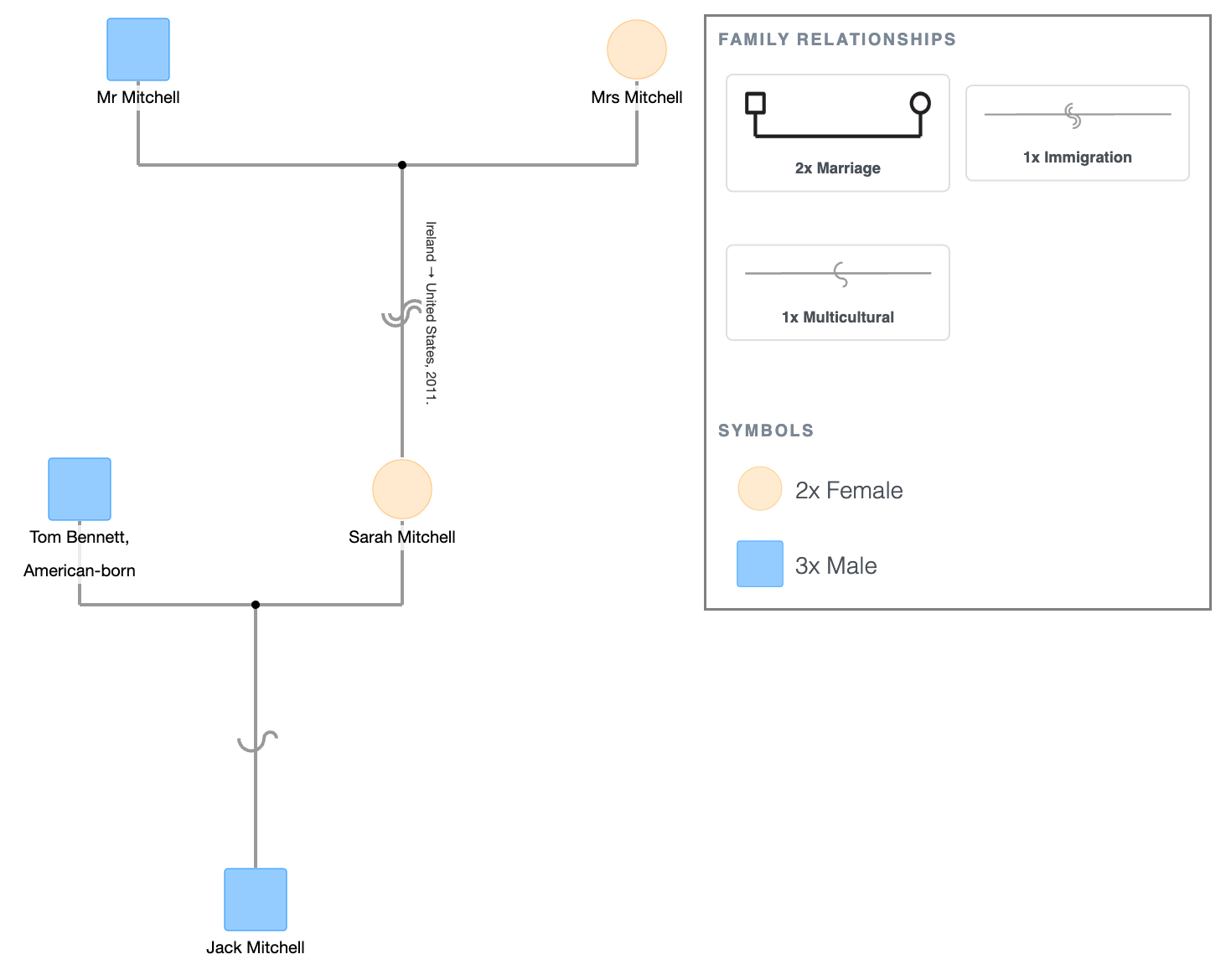
Sarah Mitchell’s son, Jack Mitchell, born to Sarah and her American-born husband Tom Bennett, carries the multicultural connection instead, sitting on his line down from their couple line.
Noting Country and Year
Standard practice in cultural genogram work is to record where someone immigrated from and when.
In EasyGenogram, add this through the note field on the connection itself; keep it as a short tag, not a sentence. For instance, "Ireland → USA, 2011" is enough. The line carries the fact; the note carries the specifics.
How to Add It in EasyGenogram
Open the connection picker, go to Children Connections, and select Immigration.
Connect it between the person and their parent line the same way you would a biological, adopted, or foster connection.
Multicultural Symbol Example in a Genogram
Explore this genogram and adapt it to your needs.
FAQ
What is the immigration symbol in a genogram?
A connection line marking that a specific migration happened between a person and their parents; someone crossed a national border. In EasyGenogram, it's a children's connection line with a double curl, distinct from the standard biological, adopted, and foster lines.
How is the immigration symbol different from the multicultural connection?
The multicultural symbol marks that parents come from different cultural backgrounds, without necessarily involving a border crossing. Immigration marks that an actual migration event happened on that connection. In EasyGenogram, the multicultural symbol uses a single curl and the immigration symbol uses a double curl.
Do you note the country and year of immigration on the genogram?
Yes. Add the country of origin and the year of migration as a short note on the connection line.
Where does the immigration symbol go on a genogram?
On the vertical connection line between a person and their parents, in the same position as a biological, adopted, or foster child connection.
Can one family have both immigration and multicultural connections on the same chart?
Yes. A parent might carry an immigration connection to their own parents overseas, while their child carries a multicultural connection because of the mixed-heritage household they were raised in. Both can appear on the same diagram.