Appearance
Genogram Deceased Symbol
The deceased symbol is shown as an X drawn through the person's shape in EasyGenogram. Use it when a family member has died but still belongs in the family structure, medical history, or relationship pattern. This guide explains how to add death details and how to avoid confusing death with pregnancy loss.
This applies to any shape in the set, standard square and circle, any of the extended gender identity shapes, and even the pet diamond.
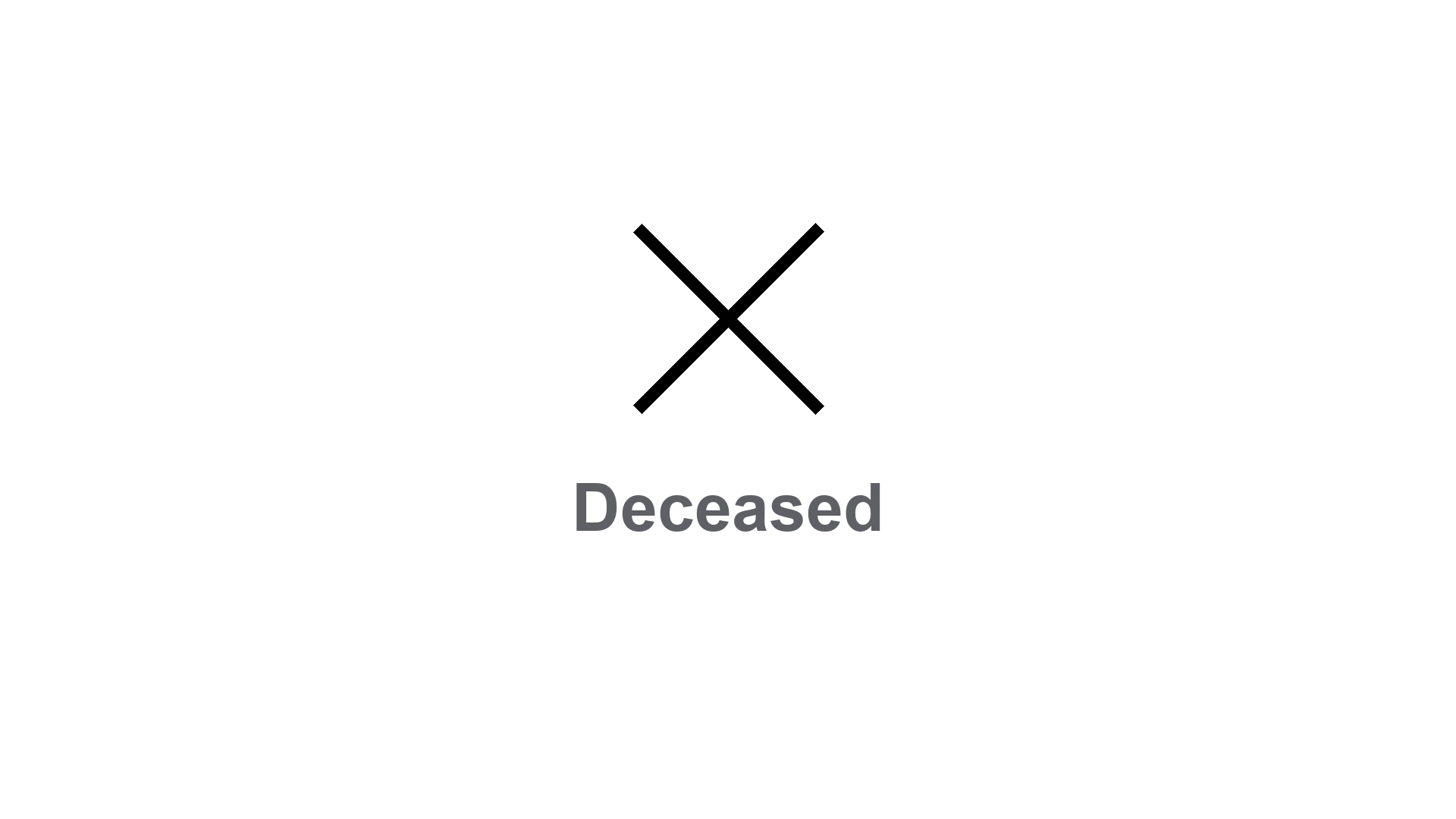
Deceased Symbol Examples in a Genogram
Deceased Symbol Examples in a Genogram
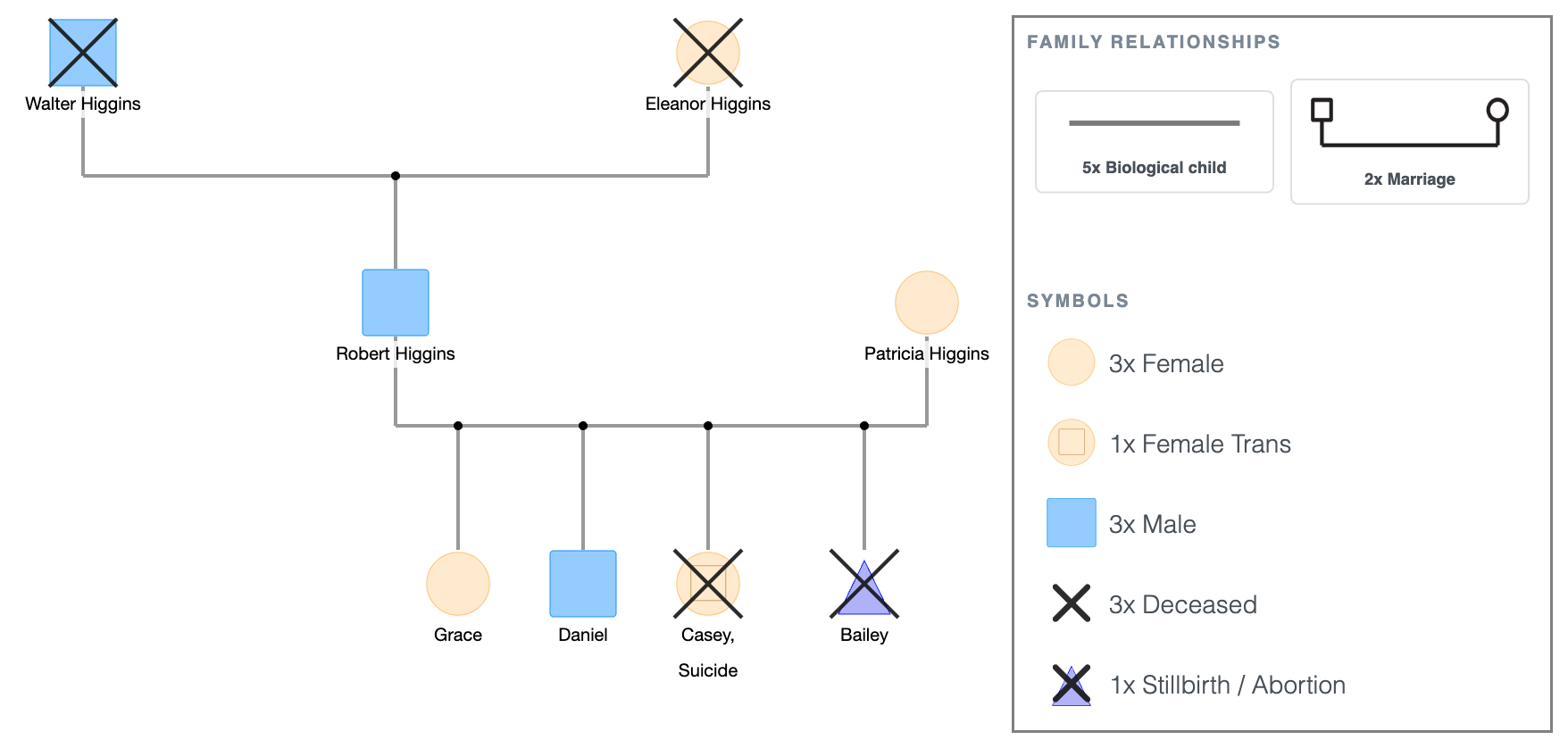
Walter and Eleanor Higgins, the grandparents, are both deceased.
Their son, Robert Higgins, and his wife, Patricia Higgins, are both living.
Robert and Patricia have three children: Grace and Daniel, both living, and Casey, who is trans and deceased, shown with an X through the trans shape. Her cause of death (“suicide”) is also noted.
The family's pet, Bailey, is also deceased, shown with an X through the pet diamond.
Adding Death Details
EasyGenogram has a dedicated panel for this on each person.
- Enter their Date of Birth, choose whether to display it as a full date, month and year, or year only.
- Tick "Passed away?" to mark them deceased, then enter the Date of Death with the same display options.
Age is calculated automatically from the two dates, so it doesn't need to be entered separately.
Deceased vs. Pregnancy Loss
The same mechanism applies to the pregnancy triangle.
For a miscarriage or stillbirth, tick "Passed away?" on the pregnancy symbol itself, which shows the X through the triangle, then use the note field to add the cause or any other relevant context.
How to Add It in EasyGenogram
Click the person's shape, open their details panel, and tick "Passed away?"
Add the date of death if known, and the X appears through their shape automatically.
Deceased Symbol Examples in a Genogram
Explore this genogram and adapt it to your needs.
FAQ
What does the deceased symbol look like on a genogram?
An X drawn through the person's shape. This works the same way across the standard square and circle, the extended gender identity shapes, and the pet diamond.
Does the X apply to all gender identity shapes, not just squares and circles?
Yes. Any shape in EasyGenogram's set can be marked deceased the same way, ticking "Passed away?" on that person's details.
How do you add the date of death?
Open the person's details panel and tick "Passed away?" This reveals a Date of Death field with the same display options as Date of Birth, full date, month and year, or year only. Age at death is calculated automatically.
How do you show a stillbirth or miscarriage?
Tick "Passed away?" on the pregnancy triangle itself, which adds the X through it, then use the note field to record the cause or context.
Where do birth and death dates go on a genogram?
They're entered in the person's details panel and displayed near their shape, using whichever date format (full, month and year, or year only) is selected for each.