Appearance
Genogram Template PDF (Free Download)
Start here (recommended)
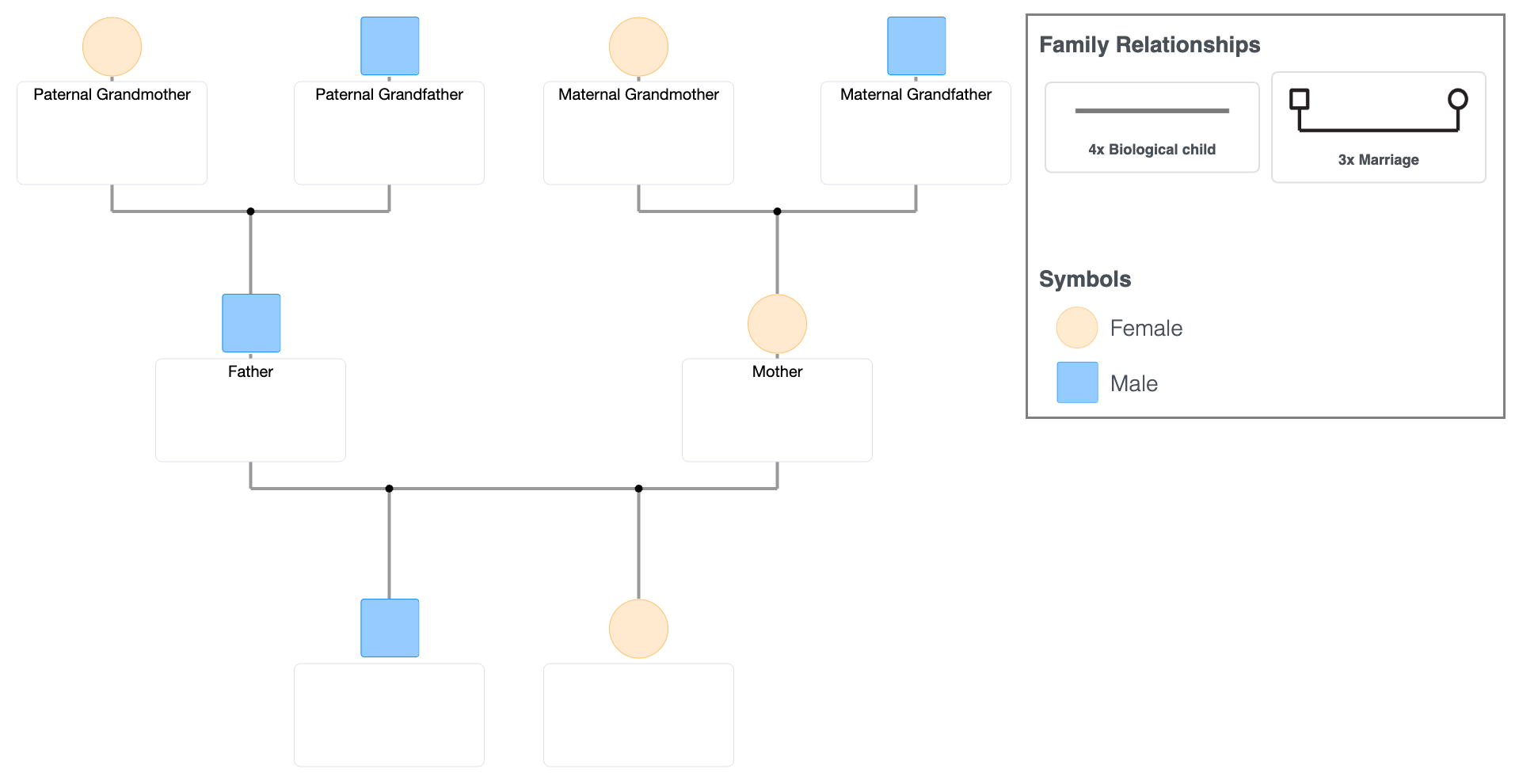
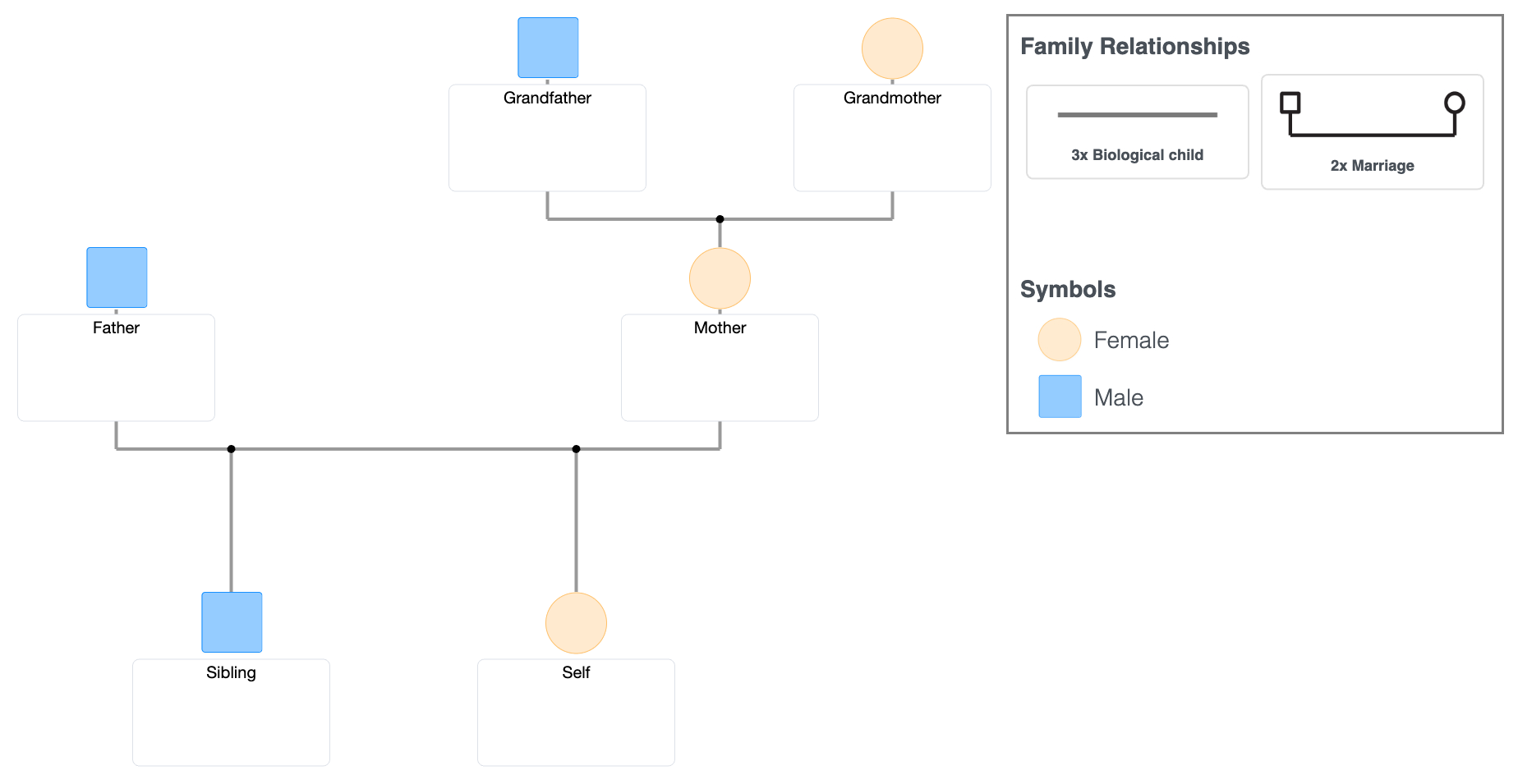
3-Generation Genogram Template (PDF)
Works for most cases:
- assignments
- standard family structures
- quick first drafts
Keeps the structure compact and easy to read without overcomplicating the layout.
Avoid this if:
- the family is complex - this becomes crowded quickly and harder to adjust
Choose based on your situation
Start with the 3-generation template.
Only switch if something doesn’t fit:
If there is remarriage or step-family structure
→ use the Remarriage & Step-Family templateIf the family has many branches or extended relatives
→ use the Multi-Branch templateIf you don’t want to commit to a fixed layout yet
→ use the Blank templateIf you need something quick for coursework
→ use the Student template
Templates
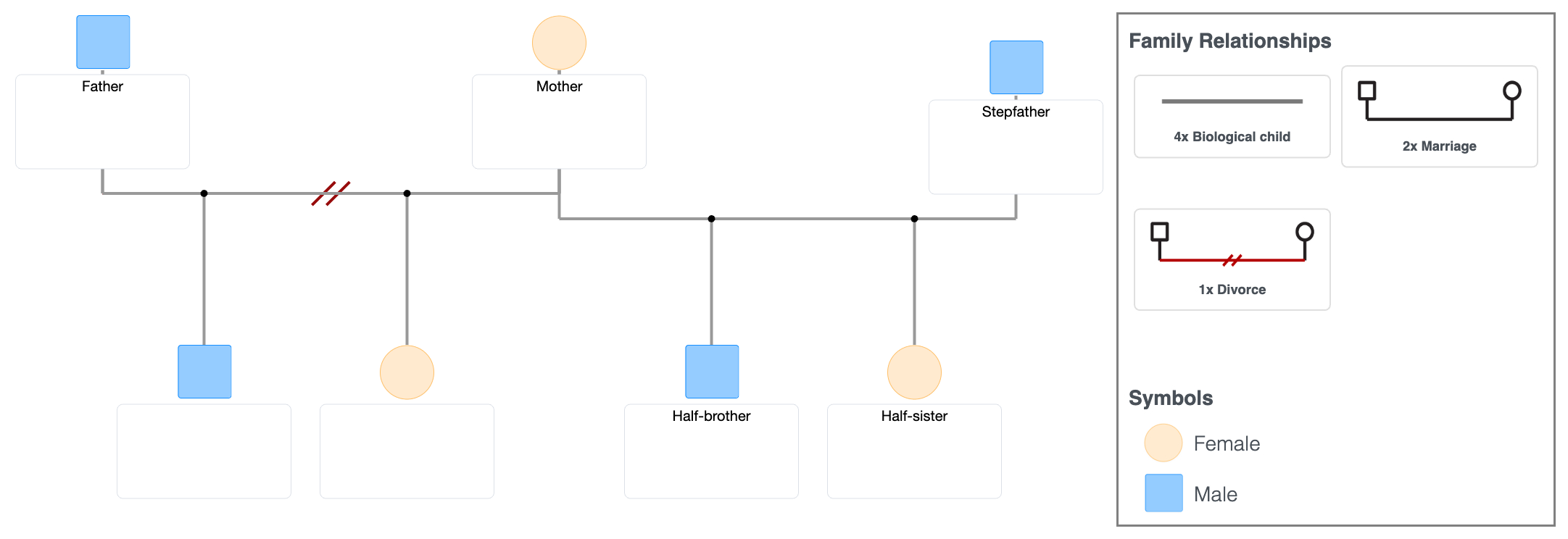
Remarriage & Step-Family Genogram Template (PDF)
Use this if:
- parents are divorced or remarried
- there are half-siblings
- multiple households exist
Designed to keep second-family structures readable and prevent overlaps between households.
Avoid this if:
- the family is simple - this adds unnecessary spacing and complexity
→ Download PDF
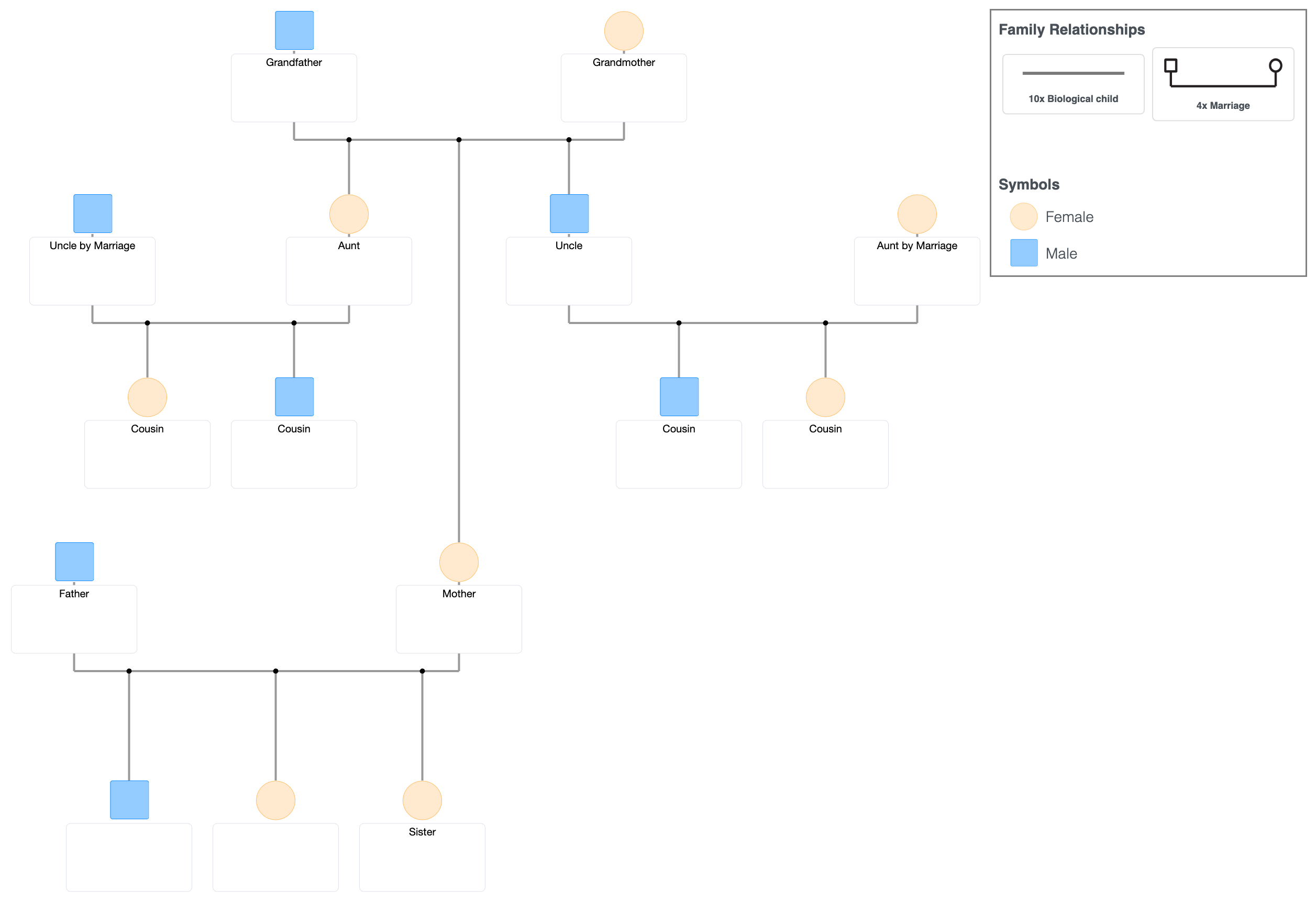
Multi-Branch Family Genogram Template (PDF)
Use this if:
- large extended families
- multiple siblings across generations
- several family branches
Gives more horizontal space so branches don’t collapse into each other.
Avoid this if:
- you only need 2–3 generations - this spreads the structure too wide
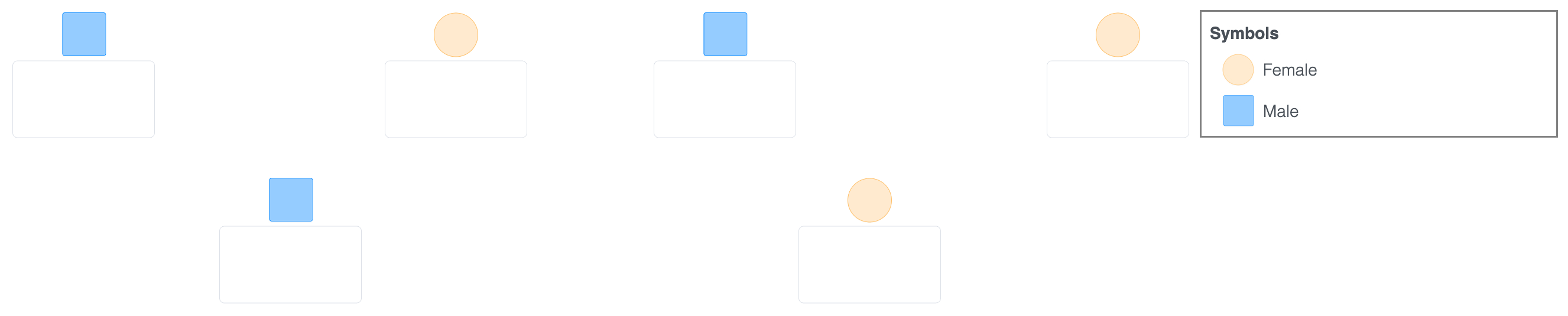
Blank Genogram Template (PDF)
Use this if:
- you're not sure how the structure will fit
- the structure is likely to change as you map it
Best when you don’t want to commit to a fixed layout too early.
Avoid this if:
- you need guidance - there is no built-in structure to follow
Student Assignment Genogram Template (PDF)
Use this if:
- you need something quick and acceptable
- the assignment has basic requirements
Optimized for fast completion without overthinking structure.
Avoid this if:
- the structure includes complexity - this usually becomes messy quickly
Which template should you use?
If you're unsure, start with the 3-generation template.
It works for most cases and is the safest starting point.
Switch only if your situation clearly requires it.
Before you fill it in (quick guide)
- List all people first
- Add basic relationships
- Leave complex parts for later
- Don’t aim for perfection
Genograms become clearer as you refine them.
What these templates include
- layouts designed for clean printing
- enough structure to get started quickly
- different formats for simple vs complex families
Genograms use a standardized visual language developed over decades of clinical practice.
Where templates start to break
Most templates start to break as soon as:
- remarriage appears
- multiple households overlap
- relationships don’t fit cleanly
What usually happens next:
- readability drops
- people get squeezed into margins
- relationship lines become hard to follow
- parts of the genogram need to be redrawn
At that point, you’re no longer filling a template -
you’re restructuring it.
Alternative: build it digitally
PDF templates give you a fixed starting layout.
That works well for first drafts.
But once the structure changes, you have to:
- erase and redraw
- reorganize manually
- manage limited space
Digital tools like :contentReference[oaicite:0]{index=0} make restructuring easier - without rebuilding the entire diagram.
The structure stays the same.
Only the way you update it changes.
Next steps
→ See real genogram examples (find one close to your situation)
→ Learn how to show divorce, remarriage, and cutoff
→ Step-by-step: what to do after downloading → Complete genogram symbols library (with examples)